
Practice management features
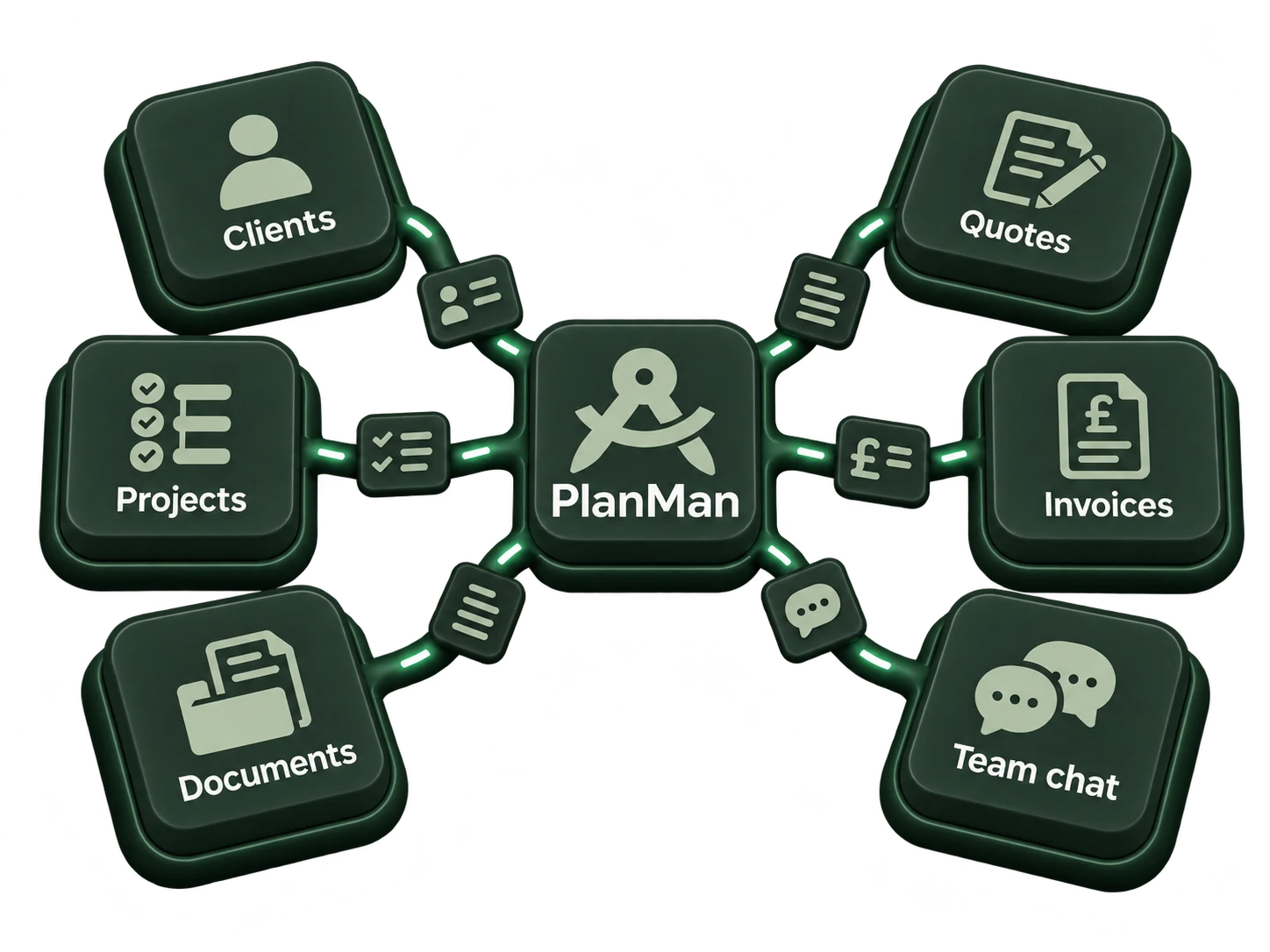
Keep client details, quotes, project stages, documents and invoices together. See how each feature works.
30 days free. No credit card needed.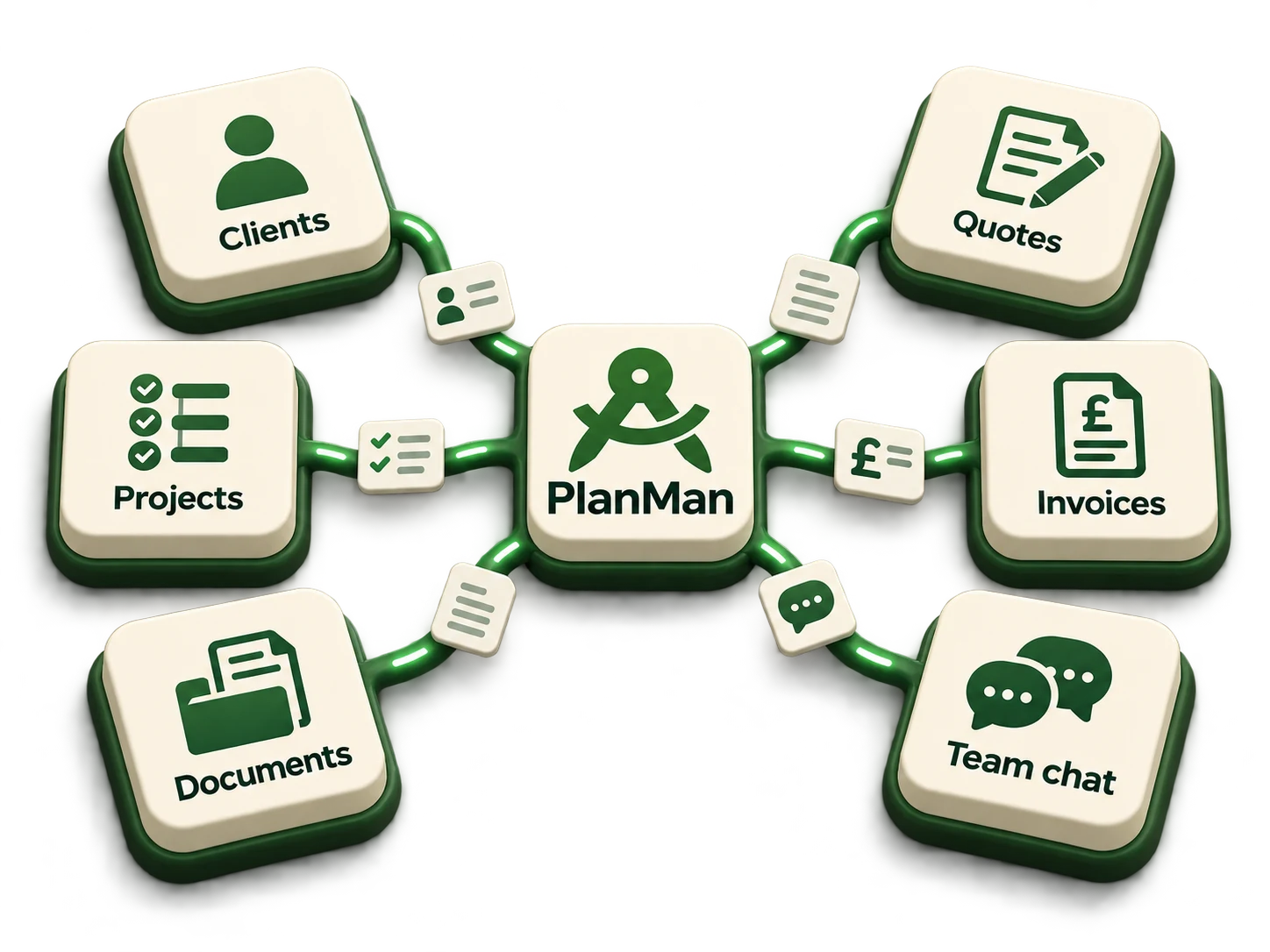
Manage your projects with PlanMan
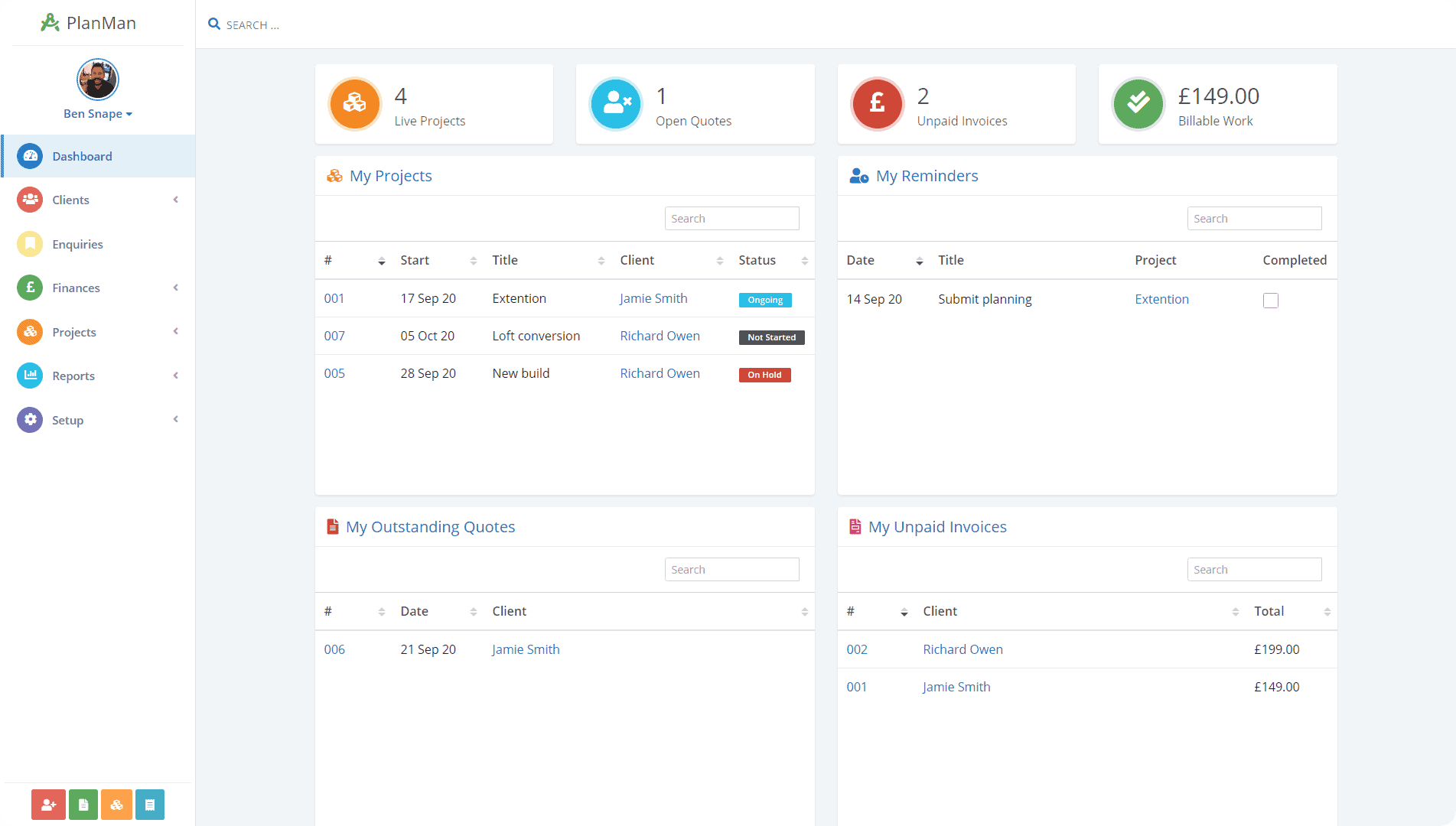
Work in your browser
Open PlanMan in a browser on your computer, tablet or phone. You can also use the iOS or Android app.
- Use PlanMan in a browser on your computer, tablet or phone, without installing software.
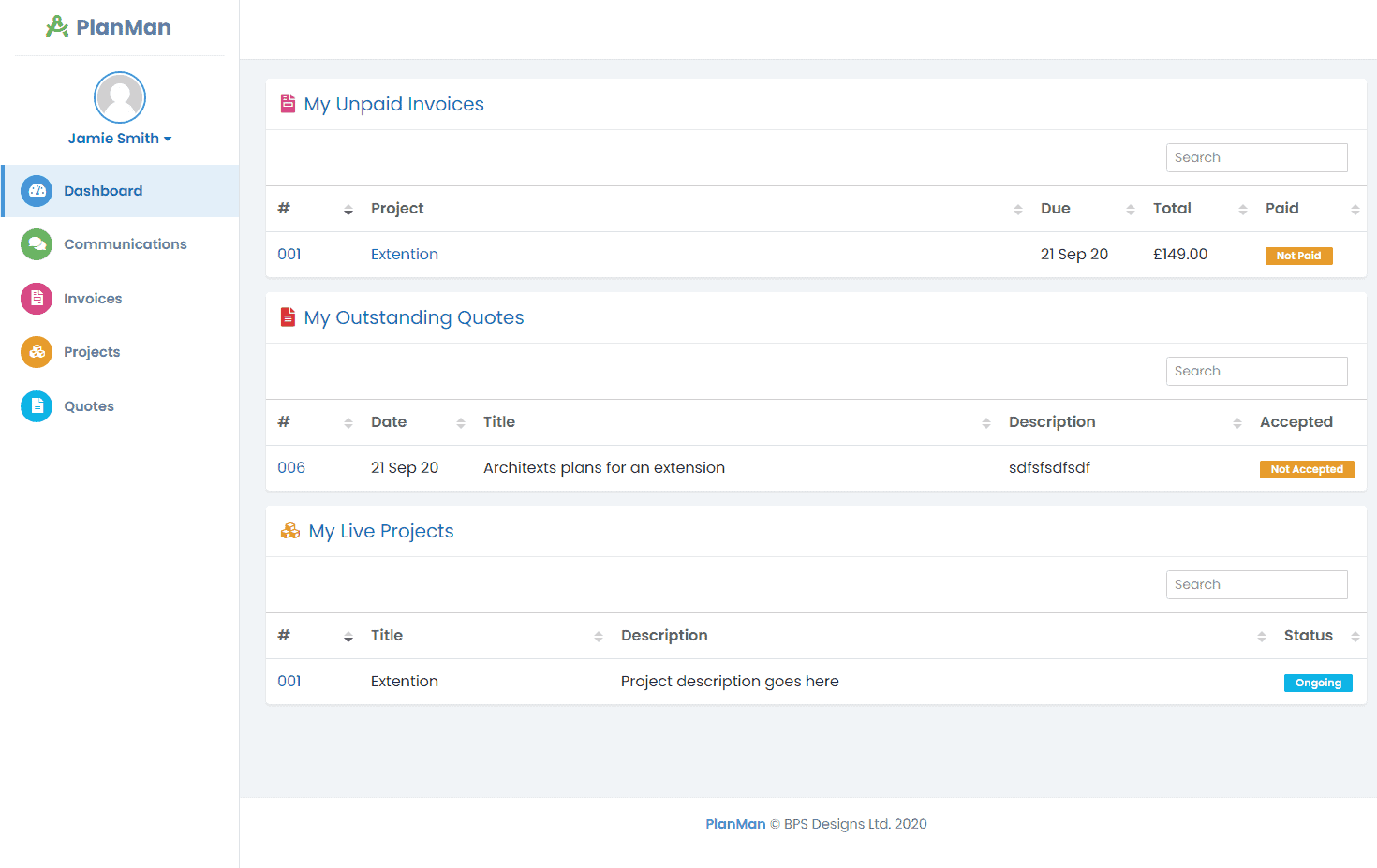
A client portal for quotes, projects and files
- View and accept quotes
- See quotes, unpaid invoices and current projects on a dashboard
- Check project progress and shared documents
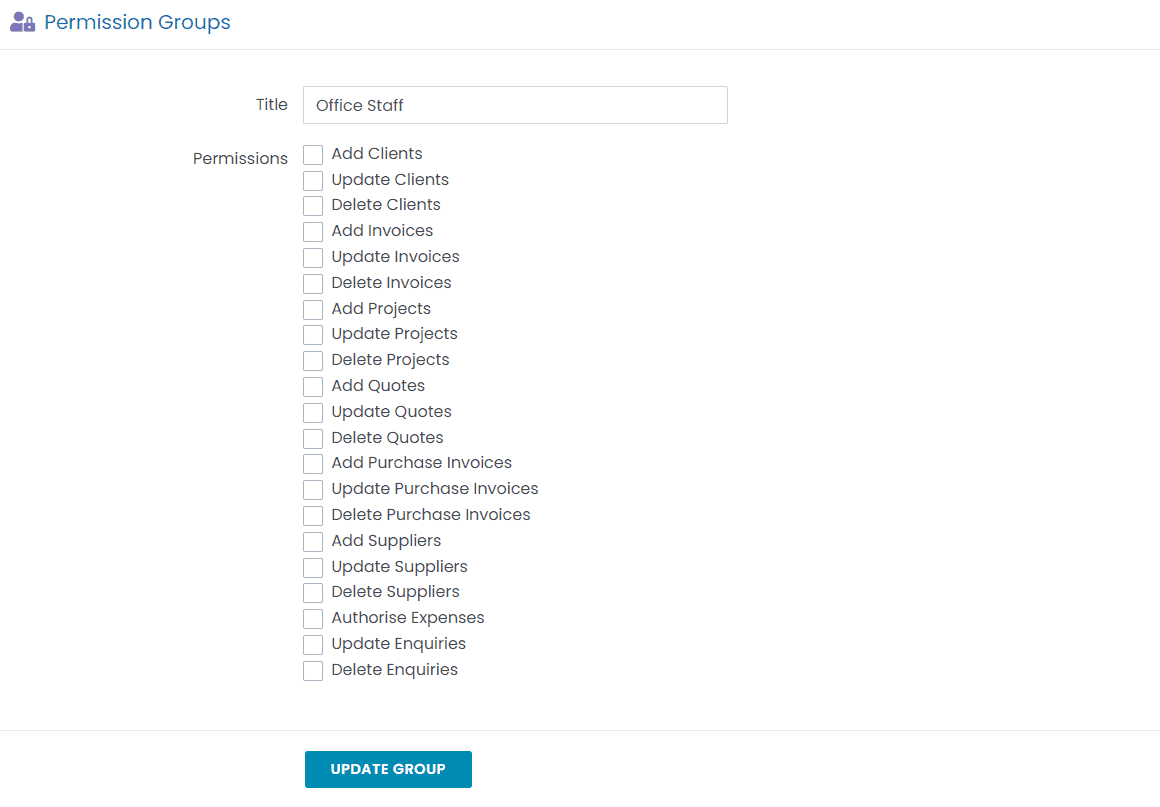
Choose what staff can access and change
Create permission groups to control which records staff can add, edit or delete.
- Set access for adding, editing and deleting records
- Add permission groups to staff
- Staff receive their group permissions when they log in