
Know who’s working on each project
Add external consultants to your projects and record their responsibilities and work status. Keep consultant details with the project in PlanMan.
30 days free. No credit card needed.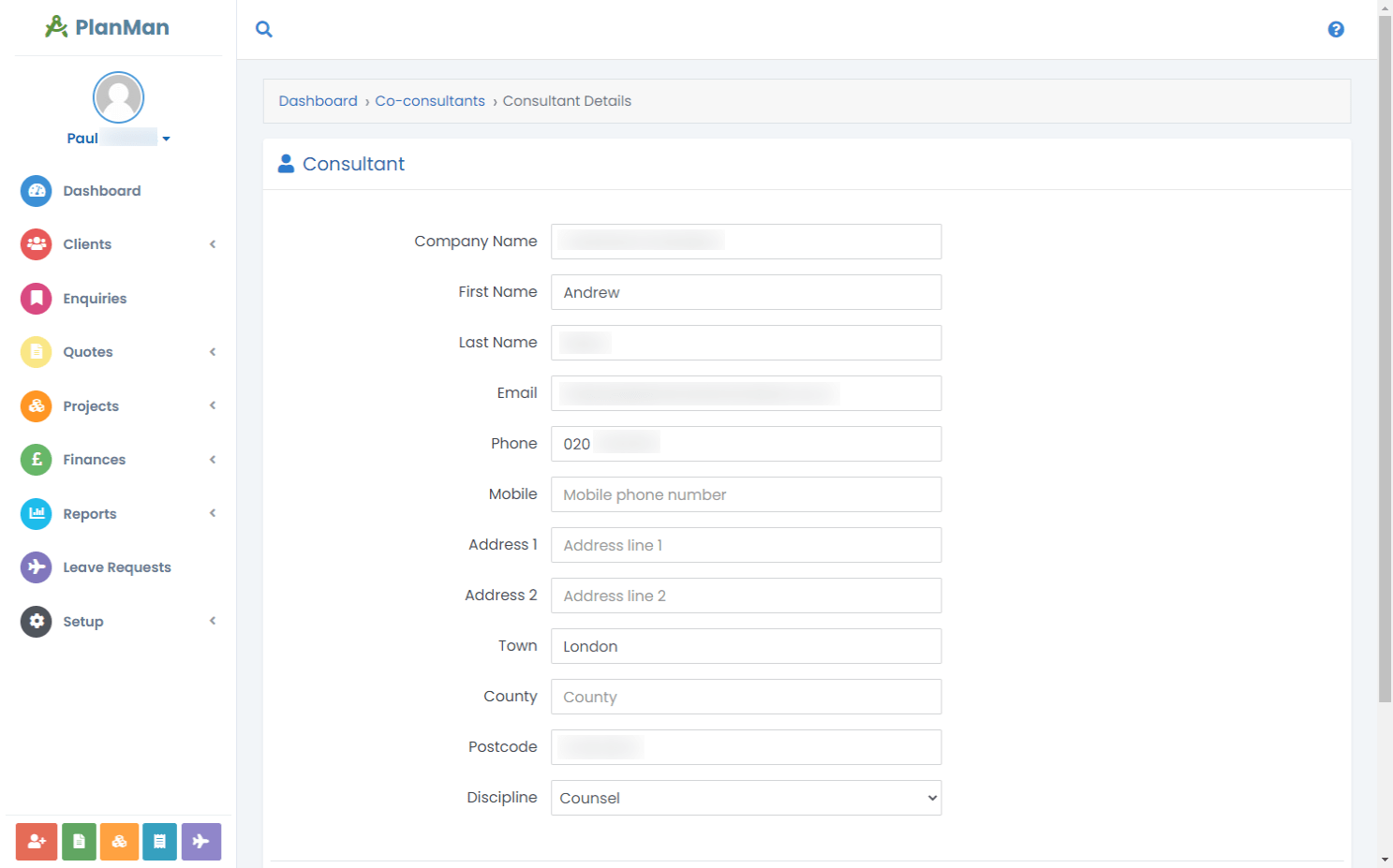
Keep track of external consultants
Add surveyors, engineers and other external consultants to the projects they work on. Keep a record of their responsibilities and the status of their work.
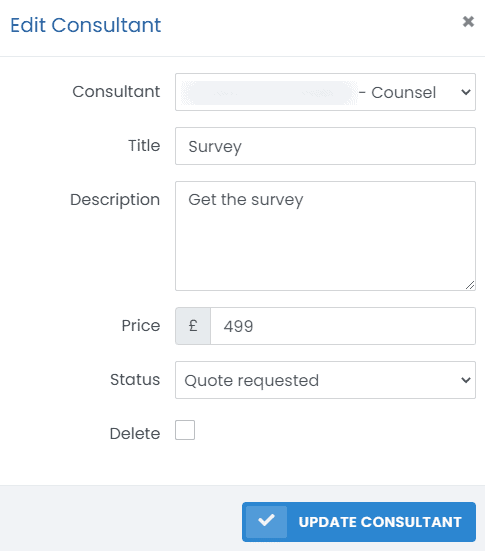
Record each consultant’s role
Select a consultant, record what they are helping with and update their status as the work progresses. Your team can see who is responsible for each part of the project.
Questions about co-consultants
What are co-consultants?
A co-consultant is someone outside your practice who works on a project, such as a surveyor carrying out a site survey. Add their contact details to the project so colleagues know who is involved.
How many co-consultants can we add?
You can add as many as you need. There is no limit.